A cursor is a pointer to this context area. PL/SQL controls the context area through a cursor. A cursor holds the rows (one or more) returned by a SQL statement. The set of rows the cursor holds is referred to as the active set.
You can name a cursor so that it could be referred to in a program to fetch and process the rows returned by the SQL statement, one at a time. There are two types of cursors
Implicit cursors
Explicit cursors
Learn more on pl sql through pl sql online training
Implicit Cursor
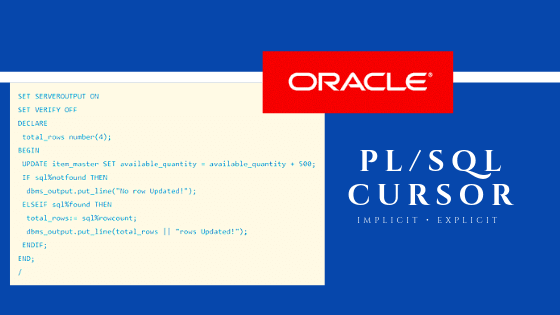
Whenever any DML operations occur in the database, an implicit cursor is created that holds the rows affected, in that particular operation. These cursors cannot be named and, hence they cannot be controlled or referred from another place of the code. We can refer only to the most recent cursor through the cursor attributes.
Explicit Cursors
Explicit cursors are programmer-defined cursors for gaining more control over the context area. An explicit cursor should be defined in the declaration section of the PL/SQL Block. It is created on a SELECT Statement which returns more than one row.
Declaring the cursor
Declaring the cursor simply means to create one named context area for the ‘SELECT’ statement that is defined in the declaration part. The name of this context area is same as the cursor name.
Opening Cursor
Opening the cursor will instruct the PL/SQL to allocate the memory for this cursor. It will make the cursor ready to fetch the records.
Learn the important pl sql interview questions for an interview
Fetching Data from the Cursor
In this process, the ‘SELECT’ statement is executed and the rows fetched is stored in the allocated memory. These are now called as active sets. Fetching data from the cursor is a record-level activity that means we can access the data in a record-by-record way.
Each fetch statement will fetch one active set and holds the information of that particular record. This statement is same as ‘SELECT’ statement that fetches the record and assigns to the variable in the ‘INTO’ clause, but it will not throw any exceptions.
Closing the Cursor
Once all the record is fetched now, we need to close the cursor so that the memory allocated to this context area will be released.
 plsqlonlinetraining